
Disclosure: this page is published by Sleev, one of the apps compared. Details about the other apps come from their Google Play listings and official help pages, checked on 7 October 2026. We haven’t tested the other apps ourselves, so we don’t rank them. “Not documented” means we couldn’t find an official description, not that the feature doesn’t exist.
Which app should I pick?
| If you want to… | Look at |
|---|---|
| See outfits on an avatar made from your photos | Sleev, Alta, Acloset |
| Get AI-generated photos of yourself in an outfit | Fits |
| Plan outfits as flat boards or collages | Whering, Indyx, Fits |
| Have the app suggest outfits for you | Alta, Acloset, Whering |
| Add clothes without photographing them | Whering, Alta, Indyx |
| Plan what to wear on a calendar | Acloset, Indyx, Fits, Alta |
| Start for free | Acloset, Indyx, Alta, Sleev |
The comparison
| App | Add your clothes | Without photographing | How outfits are shown | Save and plan | Pricing model |
|---|---|---|---|---|---|
| SleevGoogle PlaySleev FAQ | Camera or gallery photos; several at once; each item marked Owned, Trying or Wishlist | Screenshots and online product images; brand products from Explore | Your own avatar, created from your photos; garments layered on it | Saved outfits with a note; custom garment groups. No calendar | Limited free credits; Sleev Plus subscription and credit packs. Credits are used when garments are added |
| AltaGoogle PlayAlta guide | Photos, with background removal and automatic item details | Forwarded email receipts; the Alta item database | AI-generated outfits; “an avatar that looks like you” | Daily suggestions, packing lists and travel lookbooks; style calendar | Free to use per its website; Play lists in-app purchases |
| AclosetGoogle PlayAcloset support FAQ | Snap a photo; AI removes the background | Online search; items detected in a selfie | Daily outfit suggestions; virtual try-on from your photo | Outfit calendar | Free for up to 100 items, then a subscription; contains ads |
| FitsGoogle PlayFits help: AI try-on | Photos of your clothes | In-app search and browser | Swipe-built outfits and mood boards; “AI try on” images of you from a selfie | Outfit calendar and tags | Freemium; AI try-on uses AI credits |
| WheringGoogle Play | Your own photos, background removed | A database of over 100 million items | Outfit creator and “Dress Me” shuffle; try-on on your own image: not documented | Saved outfits, lookbooks, event outfit planner | Free; optional Style Pass and in-app purchases |
| IndyxGoogle PlayHow Indyx works | Your own photos, background removed | Images saved from retailer websites; paid cataloging service | Drag-and-drop outfit boards; outfit selfies; avatar try-on: not documented | Outfit tags, calendar, cost-per-wear, collections | Free tier with unlimited items and outfits; Insider subscription |
Outfit board or try-on on your own avatar?
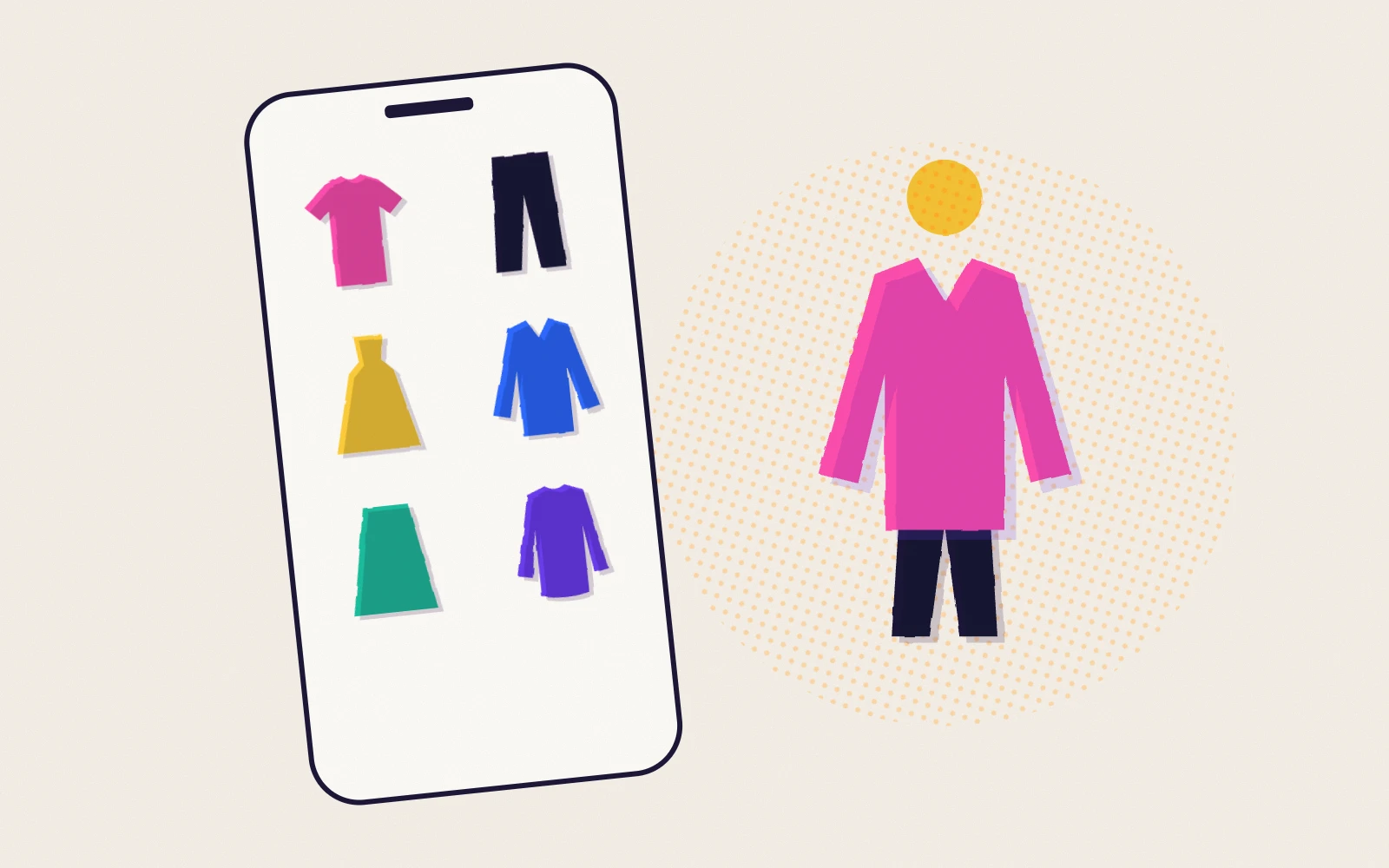
Most wardrobe apps show an outfit as a board: pictures of each garment side by side. Boards are quick and good for checking whether colors and pieces go together.
An avatar try-on puts the clothes on an image of a person built from your photos. It shows what a board can’t: how layers and proportions look on a body, like a cropped jacket over wide trousers. It takes a little more setup, since the app has to create your avatar first.
Neither tells you how clothes will fit. None of these apps claims to predict your size, so keep using the brand’s size guide.
The apps in more detail
Sleev is built around a wardrobe you keep adding to: the clothes you own and the ones you’re considering, marked Owned, Trying or Wishlist, all combined on an avatar made from your photos. Each garment is added once and reused in as many outfits as you like, and saved outfits can have a note. The trade-offs: each garment you add uses a credit, there’s no outfit calendar or automatic suggestions, and the iPhone app isn’t out yet.
Alta is an AI stylist. It generates outfits from your wardrobe for everyday wear, events and trips, makes packing lists, and describes “an avatar that looks like you”. You can add clothes by forwarding email receipts or picking from its item database.
Acloset combines a digital closet with daily outfit suggestions, an outfit calendar and a virtual try-on from your photo. It’s free for up to 100 items, with a subscription after that, and its Play listing says it contains ads.
Fits is for planning and logging outfits. You build outfits by swiping through your clothes, keep track of what you wore on a calendar, and can generate “AI try on” photos of yourself from a selfie, using AI credits.
Whering has a database of over 100 million items to add from, removes backgrounds from your own photos, and offers an outfit creator, a “Dress Me” shuffle, lookbooks and an event planner. Try-on on your own image isn’t documented.
Indyx is the most detailed for organizing: filters, outfit tags, drag-and-drop outfit boards, a calendar that tracks cost per wear, and optional help from human stylists. Its free tier includes unlimited items and outfits.
Not on Android, or with limits
- Stylebook is a long-standing wardrobe app, but its FAQ says it’s only available on iPhone and iPad.
- Google Photos Wardrobe builds a wardrobe from photos of you already in your library and lets you try outfits digitally. Google lists some conditions: Android 10 or later, living in Brazil, India or the US, and more than 1,000 photos of yourself unless you have a Google AI Pro or Ultra plan.
How we compared
We picked apps that are on Android and help you work with your own clothes, and looked at five things: how you add clothes, whether you can add them without taking photos, how outfits are shown, whether you can save and plan them, and how the app is priced. We only restated what each app documents. We didn’t measure speed or image quality, and we left out prices because they vary by country.
Sources
Checked on 7 October 2026:
- Sleev on Google Play
- Alta on Google Play and the Alta guide
- Acloset on Google Play and Acloset support
- Fits on Google Play and Fits help: AI try-on
- Whering on Google Play
- Indyx on Google Play and How Indyx works
- Google Photos Help: Wardrobe
- Stylebook FAQ
Questions
Which Android wardrobe app has virtual try-on?
Sleev, Alta and Acloset let you try clothes on an avatar made from your photos, and Fits generates AI photos of you from a selfie. Google Photos Wardrobe also has a try-on feature, but only in a few countries.
Is there a free wardrobe app with virtual try-on?
Acloset says all its features are free for up to 100 items, and Alta says it’s free to use. Sleev starts you off with a limited number of free credits, used when you add clothes. Fits is free with paid extras, including AI credits for try-on.
Can a wardrobe app tell me my size?
No. None of these apps claims to. Try-on shows how clothes look together, not how they fit. Use the brand’s size guide and compare it with clothes you own.
Which app works without photographing my clothes?
Whering lets you pick items from a large database, Alta reads forwarded email receipts, and Indyx accepts images saved from shop websites. Sleev accepts screenshots and product photos, plus products from brands in its Explore section.
What’s the best app for making more outfits from what I own?
If you think in flat combinations, Whering or Indyx. If you want to see combinations on yourself, Sleev, Alta or Acloset. Whichever you choose, the method matters more than the app: see how to make more outfits from the clothes you already own.